Web systems that cut manual work and make business processes controllable
First we find where the business loses time, data and control. Then we design roles, rules and the operation path — and build custom UX/UI and code for how the company actually works, not a generic template.
Companies and partners we have worked with









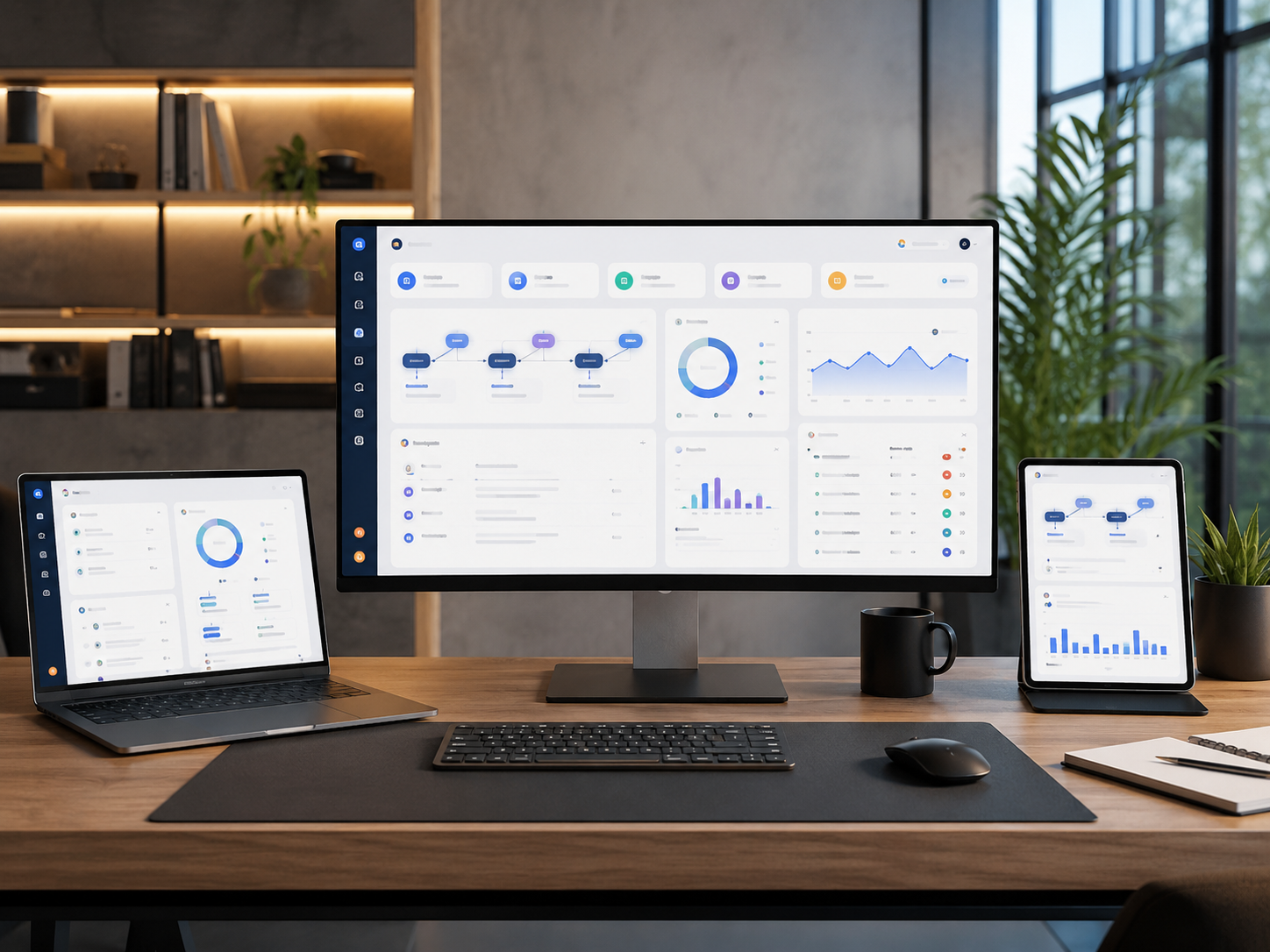
User, action, data and rule must work as one system
A working operation does not start with a screen. You need to define who acts, on which data, under which conditions, who owns the next step, and what happens on error. Only then do we design the interface and automation.
How we make decisionsA new interface will not fix a process if rules and ownership are undefined
When data lives in several places, decisions move through messages, and status depends on someone’s memory, a new form only moves the chaos into the browser. First remove process uncertainty — then write code.
Six elements of a web system built for a specific process
We include only elements that reduce manual work, errors or the time an operation takes.

Business process and outcome criteria
We map the current operation path, time losses, recurring errors, stage owners and the change the system must deliver.

Roles, permissions and ownership
We define who sees data, who may change it, who decides, how exceptions are handled, and apply least privilege with object-level access where needed — enforced server-side, not only in the UI.

Data model
We design entities, relationships, statuses, required fields, sources and information-quality rules.

Workflow and working interfaces
We connect events, transitions, tasks and screens into a clear route for each role.

Integrations and automation
We connect the system to agreed APIs and services, with error handling, retries and a manual fallback when an external service fails.

Custom code, QA and measurement
We create UX/UI and code without a ready-made template, and check scenarios, permissions, data, performance and agreed analytics events.
We own a controllable process change — not a feature checklist
First we check whether separate custom development is needed. Sometimes the right answer is configuring an existing CRM or SaaS tool, one integration or a simpler automation step.

We do not treat ready-made systems as a template
Architecture, interfaces and code are built for specific roles, data and business rules.
We check whether development is needed
If the task can be solved reliably by CRM setup, automation or an existing service, we do not propose an unnecessary system.
Process is designed before screens
First we define events, decisions, exceptions and owners — then we move to the interface.

Data is treated as an asset
We define sources, owners, quality, change history and rules for using important data.
Integrations have clear boundaries
We fix the contract, ownership, error handling and team actions when an external service is unavailable — including a manual fallback.
Security and observability are planned early
We agree access control, logging, monitoring and known risks — without promising absolute protection.
Permissions are part of process design
Access to information and the right to act are not random screen settings. We plan least privilege and object-level access as process rules, with server-side authorization.

Control stays with the client
The company receives code, access, documentation, known limits and a clear development backlog.
Before development we fix process, data and acceptance criteria
Both sides should already understand which loss the system removes, what the first version includes, and how the solution can be accepted.
Process map and baseline
We describe stages, participants, cycle time, manual steps, errors, delays and current tools.
Roles, data model and prototype
We agree permissions, entities, statuses, relationships and key scenarios before full implementation.
Acceptance criteria and risk register
We record requirements for functions, integrations, availability, security, migration, QA and known limits.
Web systems for processes that can no longer be run reliably by hand
Format follows participants, data, operation frequency, error risk and the need to control status — not industry labels alone.

Client portal
The client sees their data, documents, requests and statuses without constant staff follow-ups.

Partner cabinet
Partners get materials, terms, orders and actions within their role boundaries.

Request approval
A request moves through defined stages, keeps decisions and shows who owns the next step.

Calculator or configurator
The user enters parameters and receives an agreed calculation, configuration or basis for an offer.

Booking and scheduling
The system connects availability, booking rules, confirmations and the responsible employee’s work.

Document workflow
Documents get an owner, status, change history and a clear processing route.

Integration layer
Data moves between existing systems by rules — without constant manual copying.
What the business gets after a web system is built
The result is not published screens — it is a more controllable process with clear data, ownership and measurement.
Less manual and repeated work
The system removes agreed copying, information hunting and task hand-offs between tools.
Clear status and ownership
The team sees the stage, the owner of the next action, decision history and the reason for an exception.
Controlled data and access
Information has defined sources, statuses, change rules and visibility boundaries.
A base for further development
The company receives code, documentation, analytics, known limits and a backlog of next improvements.
Clear rules for custom development
A web system depends on decisions, data, access and external services. Those dependencies are fixed before implementation.
Scope and changes are agreed
New roles, processes, modules, integrations and migrations are not added automatically after the first version is approved.
Data and access have owners
The client confirms lawful use of data, appoints owners and provides the required access.
External services have their own limits
APIs, licences, SLAs, pricing and availability of third-party platforms sit with their providers.
Support and evolution are planned separately
After launch we agree monitoring, fixes, SLA and the next backlog — without hidden lock-in to the vendor.
How web system development starts
Five steps from process diagnosis to a first useful version that can be checked and improved.
01

Diagnose the process
We collect roles, operations, data, errors, cycle time, current tools and the cost of existing losses.
02
Choose the minimally sufficient format
We check alternatives and decide whether a separate system, an integration, CRM/SaaS setup or another format is needed.
03
Design architecture and prototypes
We agree roles, data, workflow, interfaces, integrations, exceptions and acceptance criteria.
04
Build and integrate
We create custom UX/UI and code, connect agreed services and prepare technical environments.
05
Test, launch and measure
We test scenarios, permissions, data and errors, hand over the system and compare the process with the baseline.
When a separate web system is not needed
Not every task needs roles, workflow and a custom data model. Sometimes a simpler format delivers the same effect faster.
Corporate website
When you need to present the company, services and expertise and bring a prospect to contact.
Corporate website developmentOnline store
When the main process is catalogue, cart, payment and order handling.
Online store developmentLanding page
When one offer should lead one audience to one priority action.
Landing page developmentAll website formats
When the format is not chosen yet and you need to compare site, store, landing page and web system.
Compare formatsFirst we will check whether you need a separate web system
Describe the process, roles, data, current tools and main losses. We will determine whether custom development, an integration or a simpler solution is needed.
Questions about web systems development
What is a web system?
A web system is an application where users with defined roles work with data and run a repeatable process under agreed rules. Unlike a regular website, it does not only show information — it also changes data state.
When do you need a web system, and when is a site or CRM enough?
A separate system is justified when existing tools cannot support a critical process, roles, rules or integrations. If the task can be solved reliably by CRM setup, a website or one automation, more complex custom development is not needed.
Do you use ready-made templates and page builders?
No. Architecture, UX/UI and the core codebase are created for the specific process. For standard functions we may still use proven frameworks, libraries and external services — we do not rebuild everything from scratch.
What does preparation for SEO, AIO, GEO and LLMO mean?
Public pages and documentation get semantic HTML, metadata, accessible content, internal links and structured data. Private cabinets and internal data are protected by authorization and are not meant for indexing — noindex is a crawl hint, not access control.
Can you build a client cabinet, integrations and migrate data?
Yes, after we review roles, sources, data quality, API documentation and migration limits. Scope and ownership are fixed before implementation.
How is the result assessed after launch?
Before development we record baseline cycle time, manual work volume, errors and delays. After launch we compare those indicators and check scenario completion, data quality, integration stability and support requests. We do not guarantee absolute automation or security outcomes.